Unitree G1 vs AgiBot X2: choosing a humanoid for a university lab
Unitree G1 or AgiBot X2 for a university lab? Compare development access, specs, teaching fit and what to check before you order in the UAE.

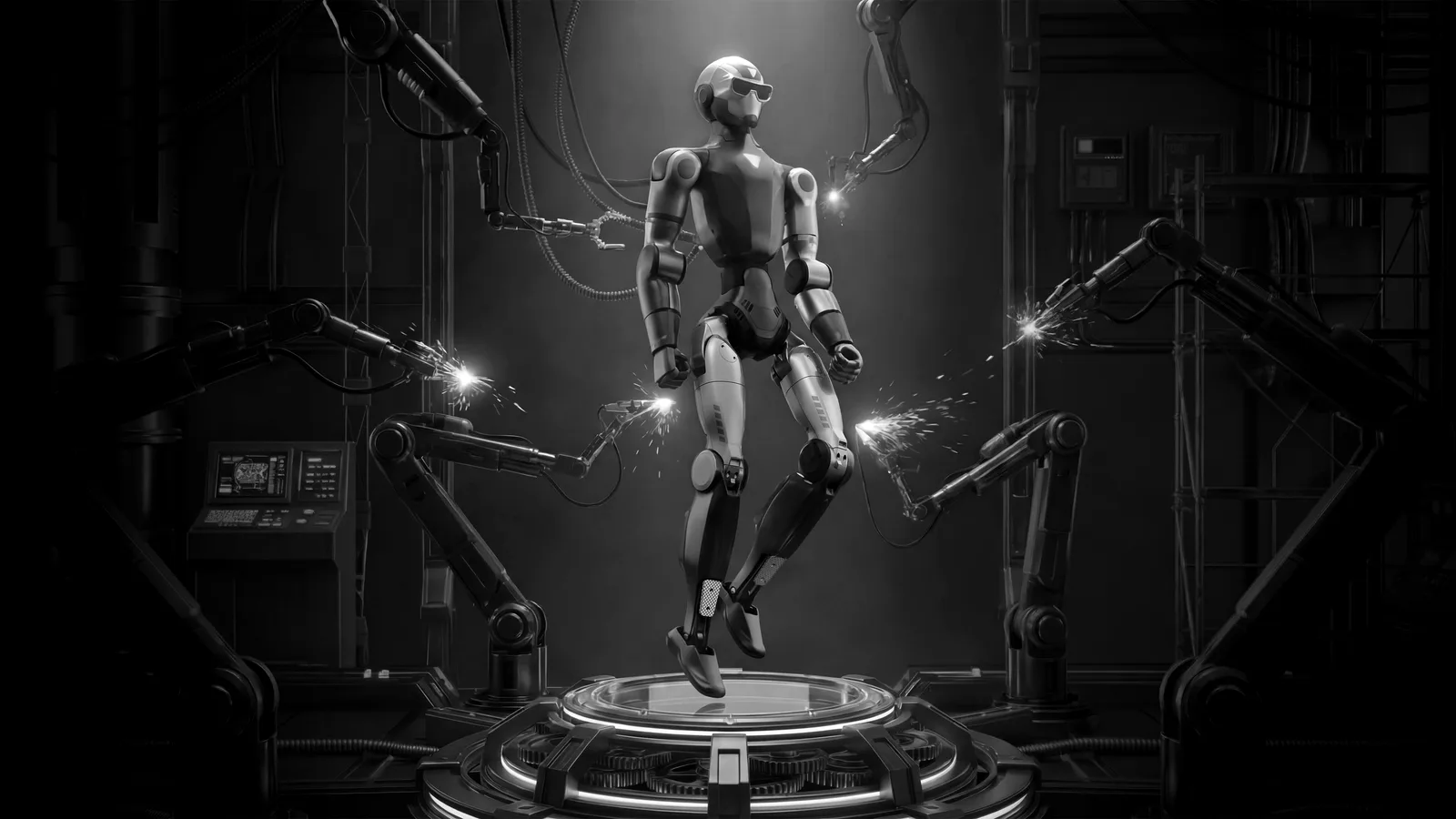
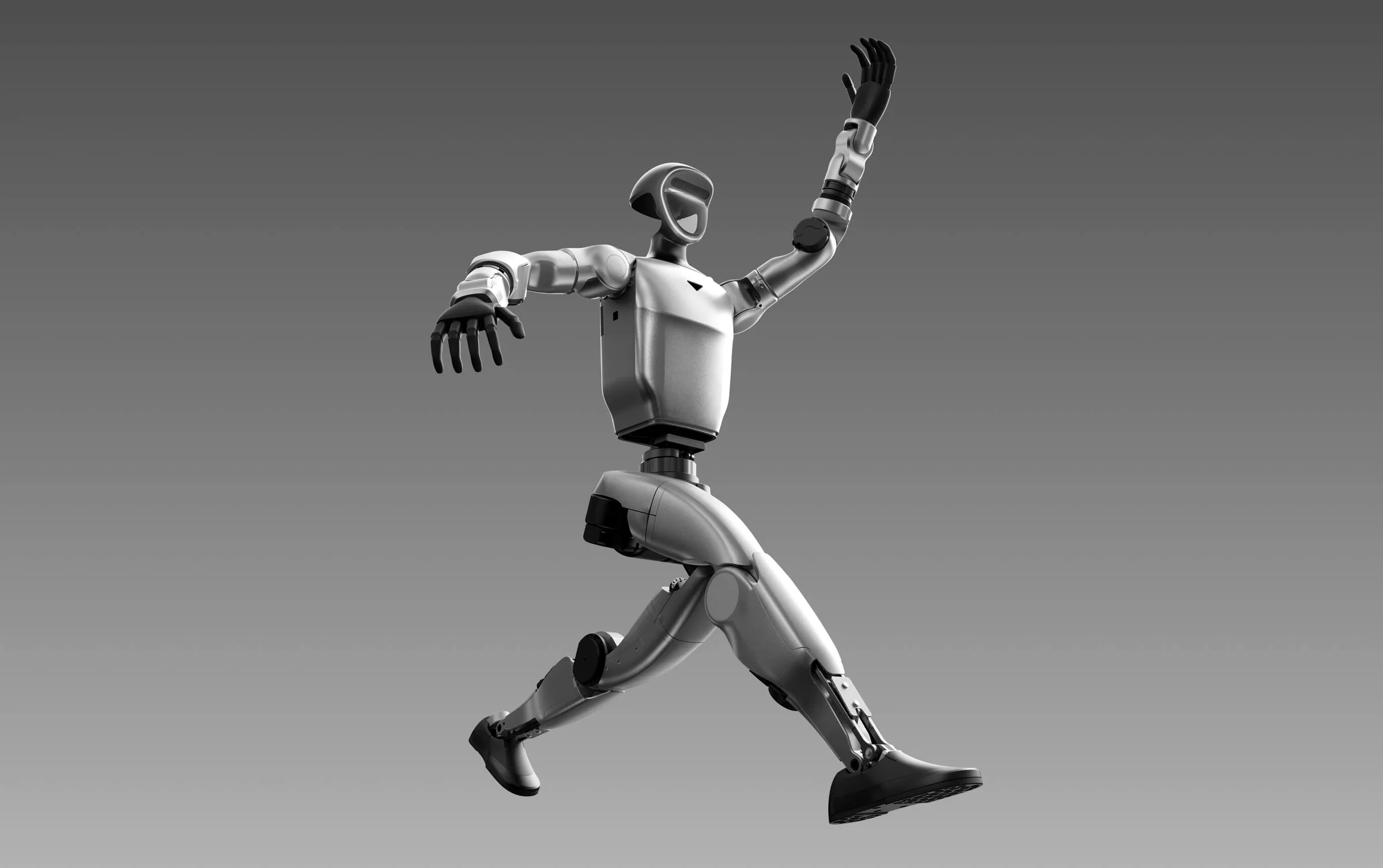
For a lab that wants students to write control code, the Unitree G1 is usually the better starting point, provided you order a development-oriented configuration. For a lab focused on human-robot interaction, outreach and demonstrations, the AgiBot X2 is the closer fit, because it is built around expression and presence. Both are compact bipedal humanoids, so the real decision is about what your students will do with the robot.
How similar are the Unitree G1 and AgiBot X2 on paper?
Very similar in class, different in intent. Both are compact bipedal humanoids with high-torque joints, and both are sold in the UAE through YS Lootah Robotics. The figures below come from our own product pages.
| Item | Unitree G1 | AgiBot X2 |
|---|---|---|
| Class | Full-size compact humanoid | Bipedal humanoid |
| Height | 1.27 m | Not listed on our page |
| Weight | About 35 kg | Not listed on our page |
| Peak joint torque | 120 Nm | 120 Nm |
| Degrees of freedom | 23, up to 43 | Head 1, wrist 7, leg 6 (per joint group) |
| Perception | 3D LiDAR and depth camera | Full-range 3D LiDAR, dual RGB and RGB-D cameras |
| Hands | Optional Dex3-1 | Anthropomorphic, cross-axis arms |
| Expression | Persona and attire via configurator | Expression display |
| Runtime | About 2 hours | Confirm at demo |
| Positioning | Research, demonstration, front of house | Research, education, reception, live demonstration |
Independent comparison sites publish different heights and joint counts for both robots, and some of those figures conflict with each other. Treat any number from a third party as something to confirm, and ask us for the specification of the exact configuration you intend to order.
Which one is better for teaching robotics and research?
The G1 has the stronger case for hands-on engineering. Unitree positions it as a development platform, and comparison coverage describes its EDU tiers as offering SDK access, with compute options that include an NVIDIA Jetson Orin. The OpenELAB comparison notes that the base G1 and the G1 EDU family do not offer the same development access, so the configuration matters more than the model name.
The X2 is described by the same source as primarily an interaction and motion platform. A standard X2 is not listed as supporting secondary development. An X2 Ultra variant adds an NVIDIA Orin NX computer and AgiBot's AimDK, a task-level programming framework built around ROS 2 Humble.
In practice:
- If your course covers locomotion control, reinforcement learning or whole-body control, start with the G1 and confirm the development tier.
- If your course covers perception, speech, behaviour design or social robotics, the X2 gives you a robot that already behaves in front of an audience.
- If you want both, check whether the X2 variant you are considering exposes the interfaces your students need.
Which suits human-robot interaction and outreach better?
The X2. Its expression display, dual RGB and RGB-D cameras and 3D LiDAR are aimed at a robot that engages with people. University labs in the UAE often host open days, delegations and industry visits, and a robot that greets visitors convincingly earns its place in those moments.
The G1 can do front-of-house work too. Our configurator lets you dress it in a persona and attire and preview it in 3D. But its identity is that of a platform you build on, and that is where it is strongest.
For more on how humanoids behave at reception, see Humanoids move to the front desk.
What should a university check before choosing?
Use this checklist at the demo and in your quotation request:
- Which exact configuration is quoted, and does it include the development access your course needs?
- Which programming languages and middleware are supported, and which simulators can students use before touching the hardware?
- Is secondary development supported on the variant you are ordering, or only on a higher tier?
- What hands or end effectors are included, and are they optional?
- How long does a battery last in a real session, and how quickly can the robot return to service?
- What safety arrangements does the lab need: spotters, a gantry, a marked floor area?
- What training, warranty and after-sales support are available in the UAE?
- Where will students work: lab floor, corridor or public space?
The last two questions are easy to overlook. A humanoid in a shared university building needs a clear operating procedure as much as a clear budget line. Our rollout playbook covers the steps from delivery to daily use.
Should a lab buy one robot or two?
If budget allows only one, choose by the dominant use. A lab whose publications depend on controllers and learned policies should buy the platform that exposes them. A lab whose value comes from demonstrations, teaching human-robot interaction and visitor engagement should buy the robot that is ready to perform.
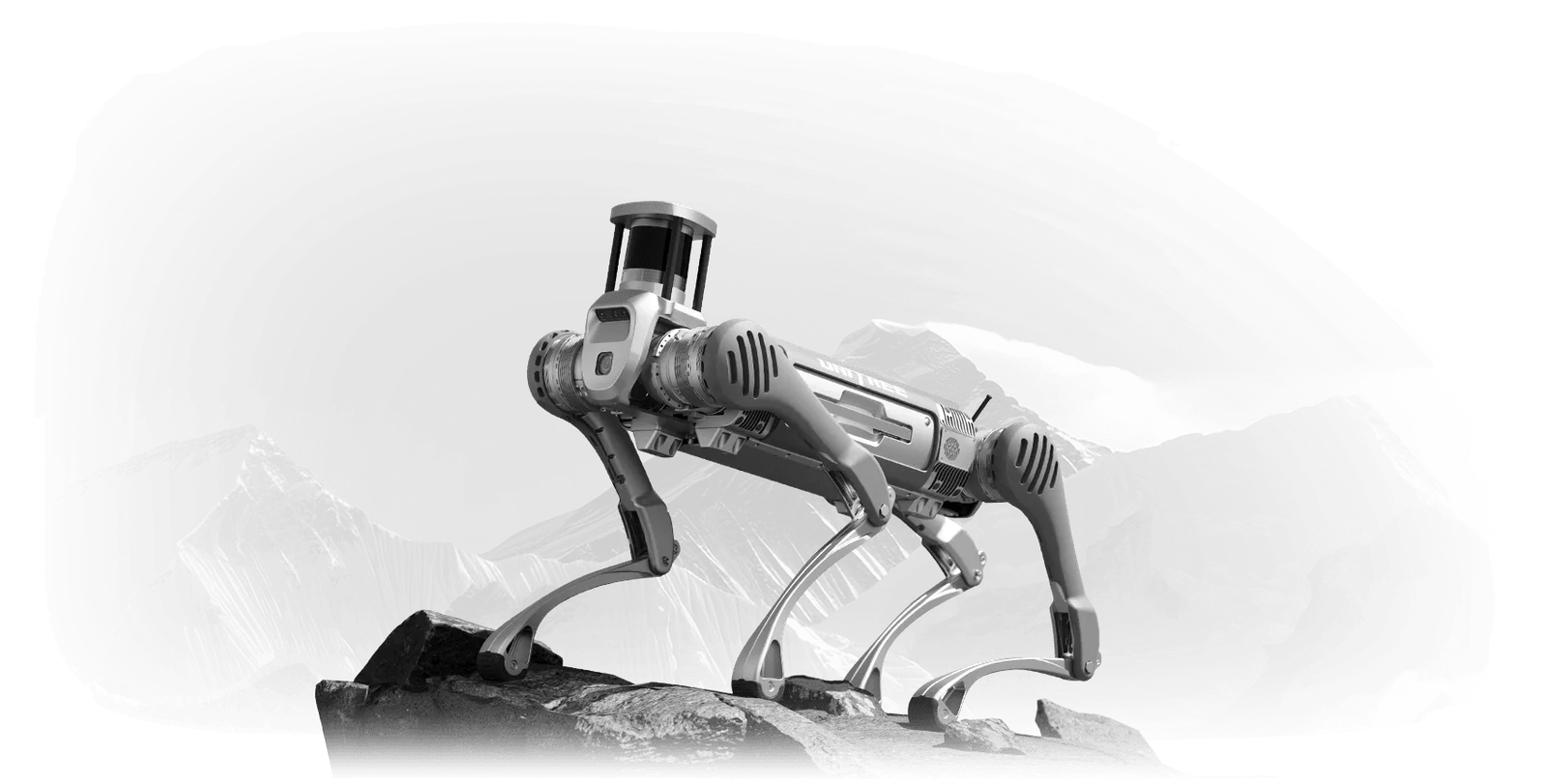
If the department spans both, a pairing makes sense: a G1 in the research bay and an X2 for teaching and outreach, as part of a wider look at education robots in UAE schools and universities. That also lets students compare an open platform with a finished one, which is a useful lesson in itself. Neither robot replaces the other, and neither is aimed at inspection work, where a quadruped is usually the better tool.
Why see both robots in person before deciding?
Specification sheets do not show how a humanoid sounds, how it balances on your floor, or how long a student needs to become comfortable with it. A live demo does. We explain the reasoning in Why you should see a humanoid in person first, and the options for seeing both robots in Dubai are in Where to see a Unitree G1 or AgiBot X2 in person.
Bring your intended use case, your lab layout and a list of the software your students already use. That lets us show you the relevant configuration rather than a generic demonstration. You can read more about each maker on the Unitree and AgiBot pages.
For wider context on why universities are investing in this area, see Embodied AI and why the UAE is investing now.
Frequently asked questions
Is the Unitree G1 or the AgiBot X2 better for a university?
It depends on the course. The G1 suits control, learning and software development, while the X2 suits interaction, teaching and outreach. Confirm the development tier of either robot before ordering.
Can students program the AgiBot X2?
Third-party coverage indicates that the standard X2 is not listed as supporting secondary development, while the X2 Ultra adds a development computer and the AimDK framework. Ask us which variant is available and what it exposes.
Do the G1 and X2 have similar torque?
Our product pages list a peak joint torque of 120 Nm for both robots. Real-world performance depends on the task, the configuration and the floor surface.
Can I see both robots before I order?
Yes. Both are shown at our DIFC showroom, and you can book a live demonstration in advance. Bring your use case so we can show the relevant configuration.
Do you publish prices for these robots?
No. Pricing depends on configuration, accessories and support, so please contact us for a quotation.
To compare the Unitree G1 and AgiBot X2 side by side, book a live demo or contact us for a quotation at our DIFC showroom.
See it in person.
The fastest way to decide is to watch the robot do your actual job. Book a live demo in Dubai, or tell us what you have in mind.
Ready when you are
Build your robot in the shop.
Choose persona, attire, colours and accessories. Preview live in 3D, then request a UAE quotation, all in the configurator.